




TL;DR: The best paper trading platform for futures gives you real-time CME data, honest fills and the screen you will trade on later. TradingView is the quickest free start, but its free CME data runs 10 minutes late. NinjaTrader and Tradovate include live data only during a 14-day trial. Sierra Chart models fills most strictly; thinkorswim paperMoney needs a Schwab account. Practice at real size, log every trade and deduct slippage before you trust the results.
Most traders pick a paper trading platform the wrong way. They grab whatever is free, practice for a few weeks on a $100,000 or $1 million fake balance, and then wonder why the first real week feels like a different sport.
The sim was not lying to them. It was answering a different question than the one they cared about.
The platform decision comes down to three questions. Are the prices live? Do the fills behave like a real order book? Is this the screen you will actually trade on later? Answer those honestly and the choice usually makes itself.
This guide compares seven futures paper trading platforms as of November 2026, shows where each one is honest and where it flatters you, and lays out how to practice so the habit carries over when real money or a funded evaluation is on the line.
Best Paper Trading Platforms for Futures at a Glance
This comparison of futures paper trading platforms uses each vendor's own site or help center, checked in November 2026. Prices and trial terms change, so confirm with the vendor before you commit.
| Platform | Cost to practice futures | Futures data while practicing | Replay for offline practice | Fill realism | Where it runs |
|---|---|---|---|---|---|
| TradingView Paper Trading | Free paper account | CME data free on a 10-minute delay; real-time CME $7.00 per month for non-professionals | Bar Replay; history depth depends on paid plan, tick replay on Ultimate | Basic; you can set a commission per contract | Web, desktop, mobile |
| NinjaTrader simulator | Free platform and simulator, no deposit | Live data during a 14-day trial, then delayed unless you subscribe or open an account | Market Replay up to 1,000x speed over 90 days of recorded ticks | Tracks cash, P and L and margin like a live account | Desktop, web, mobile |
| Tradovate demo | Free two-week trial with a $50,000 sim balance | Live during the trial; afterward delayed and order entry stops until you fund | Cloud market replay add-on | Adjustable sim balance | Web, desktop, mobile |
| thinkorswim paperMoney | Free for Schwab clients; Schwab account required | Real-time market data | OnDemand replays a chosen past trading day | Schwab labels executions and costs as simulations | Desktop, web, mobile |
| Sierra Chart Trade Simulation Mode | Paid packages from $26 per month | Delayed CME feed included (10 minutes 10 seconds); real-time costs extra | Chart replay inside simulation mode | Documented fill rules plus optional queue-position tracking | Windows desktop only |
| Interactive Brokers paper account | Free paper account | Matches your live account data permissions; delayed without a subscription | Not a highlighted paper account feature | Same layout and tools as live | Desktop, web, mobile |
| Quantower simulator | Free limited version; 7-day full trial | Whatever feed you connect; data bought separately | Market Replay with tick, 1-minute or daily data | Settable execution delay and commission | Desktop download |
Reading the Paper Trading Platform Comparison
The paper trading platform comparison sorts out quickly once you know your priority. If you want free and fast, TradingView gets you clicking in minutes, but the free futures data is 10 minutes old. If you want live order flow without paying, the NinjaTrader and Tradovate trials give you real-time data for about two weeks. If you care most about how simulated orders fill, Sierra Chart documents its fill logic in more detail than the others, and you pay a monthly fee for it.
How Each Paper Trading Platform Handles Futures
Each futures paper trading platform makes a different trade-off between cost, data quality and fill realism. Here is how the seven compare one by one, with the quirk that matters most for each.
TradingView Paper Trading for Futures
TradingView's Paper Trading account is free, needs no deposit, and connects in two clicks (choose Paper Trading, then Connect). It supports commodity and index futures alongside stocks, forex and crypto, and you can trade from an order ticket, a depth of market window, or directly on the chart.
The paper account handles the futures lifecycle. Expired positions close automatically, active orders on expired contracts are cancelled, and every execution lands in the Account History and Trading Journal tabs. One quirk: TradingView treats all paper futures as cash-settled, even contracts that are physically delivered in real life.
Here is the catch: data. TradingView makes CME Group data (CME, CBOT, COMEX, NYMEX) free on a 10-minute delay, with real-time access at $7.00 per month for non-professional subscribers as of November 2026. Without it, you are practicing on prices that are already history, which is fine for learning buttons and useless for judging an entry.
The second catch is margin. TradingView presets its paper account with a 5% margin on E-mini S&P 500 futures, which equals 20x leverage, and you can change it per asset class. That default says nothing about what a broker or a prop firm will let you do, so set it deliberately.
Best for: chart-first traders who want free practice and will pay for real-time CME data before judging a setup.
NinjaTrader Paper Trading Simulator
NinjaTrader's platform and simulator are free to download and use, with no minimum deposit and no time limit on simulated trading. Your default sim account is called Sim101, and it tracks cash balance, P&L and margin like a live account.
NinjaTrader gives you three ways to feed the simulator. Live market data, a simulated data feed where you set market direction by hand (useful for stress-testing automated strategies), and the Playback connection, also called Market Replay, which replays recorded tick data at up to 1,000x speed going back 90 days.
Read the data terms before you plan a month of practice. A free 14-day trial includes live streaming data. After that, NinjaTrader says you can keep using the simulator with delayed data, pay for a live data subscription, or open an account. Its pricing page also lists Market Replay among the tools that switch on once a live account is funded, so confirm your access before you build a routine around replay.
Best for: traders who want a full desktop platform with replay, automated strategy testing and the option to trade live on the same software later.
Tradovate Paper Trading Demo
Tradovate offers a free two-week trial with a $50,000 simulated balance, live market data, unlimited sim trades and no payment method required. You can raise or lower the sim balance, which matters more than it sounds, because a balance that matches your real risk keeps position sizing honest.
Here is the part people miss. Tradovate's support article, updated October 9, 2026, says the trial runs two weeks from registration (not from first login to the data), and once it ends the data turns delayed and you can no longer place trades. The trial cannot be extended, and it ends early if a live account application is approved. To keep going you need a funded live account with a data subscription.
Tradovate is one of the affiliated companies under NinjaTrader Group, and it offers a cloud-based market replay add-on for practicing past sessions.
Best for: a focused two-week sprint on a browser-based futures platform, ideally once you already have a written plan to test.
Schwab thinkorswim paperMoney Paper Trading
Schwab's paperMoney runs inside thinkorswim on desktop, web and mobile. It uses real-time market data, gives you $100,000 of virtual buying power, and covers futures along with stocks, options and forex.
The barrier is the account, not the software. Schwab states that paperMoney is free for Schwab clients and that a Schwab account is required to log in and use it. Without one, you only get a Guest Pass look at the platform.
thinkorswim's OnDemand feature replays historical market data from a trading day you pick, with step, pause and 3x fast-forward controls, and lets you reset either the clock or the simulated account.
Best for: traders who already bank or invest with Schwab and want futures practice next to their other accounts.
Sierra Chart Paper Trading Simulation
Sierra Chart is paid software, with service packages starting at $26 per month as of November 2026, and new accounts get a 21-day trial. Every package includes unlimited simulated trading and a delayed exchange data feed. For CME, CBOT, COMEX and NYMEX, that delay is 10 minutes and 10 seconds, with no exchange fees. Real-time data costs extra.
Sierra Chart earns its fee on one thing: it tells you exactly how simulated orders fill. Its documentation spells out the rules: a simulated buy market order fills immediately at the ask, and a buy limit order fills only when the ask reaches your price. It also offers an optional Estimated Position in Queue Tracking setting that makes a resting limit order wait for its estimated place in line before it fills (on live, non-replaying charts), which is much closer to how a real order book works.
It runs on 64-bit Windows only and is built for desktop and laptop computers, not phones.
Best for: experienced traders who care about order flow and fill realism and do not mind a steeper setup.
Interactive Brokers Paper Trading Account
An Interactive Brokers paper account works across Trader Workstation, IBKR Desktop, Client Portal, IBKR Mobile and IBKR GlobalTrader, and supports simulated futures alongside stocks, options and other products. You can reset the simulated funds to $1 million or any other amount.
The paper account shares your live account's market data permissions. If you have not subscribed to real-time futures data, your paper quotes are delayed too.
Best for: multi-asset traders already at Interactive Brokers who want futures practice inside the same login.
Quantower Paper Trading Simulator and Replay
Quantower has a free limited version you can download without registering, plus a 7-day full-featured trial once you register. Market data is never included in a Quantower license and must be bought separately from your data provider.
Its Trading Simulator emulates order execution on any connection, including data-only feeds that do not allow trading, and lets you set the starting balance, an execution delay and a commission. The Market Replay panel replays tick, 1-minute or daily data with a choice of last-price or bid/ask/last execution. Pressing Stop cancels the whole replay test, so finish a session before you close it.
Best for: traders who want a modern desktop platform with DOM tools and the freedom to pair it with whichever data feed they already pay for.
What Paper Trading Is and How a Futures Simulator Works
Paper trading means placing simulated orders against market prices with fake money. The name comes from the days when traders wrote orders on paper without sending them to a broker. Today "sim trading," "demo trading" and "paper trading" all describe the same thing, and NinjaTrader says so in its own simulator documentation.
A futures simulator works by taking a real price stream (live, delayed or recorded) and matching your orders against it with a set of rules instead of a real exchange. Sierra Chart's published rules are a good example of how most simulators think: a market buy fills at the current ask, a market sell at the current bid, and a limit order fills once the opposite side of the quote reaches your price. No other trader is affected by your order, and nobody is on the other side of it.
Paper Trading Demo Accounts Versus Trading Games
A demo account and a trading game can look alike, but they answer different questions.
- A demo or paper account on a real platform uses the same charts, order entry and contract specs you will trade later. The goal is to rehearse your actual process.
- A trading game or contest ranks you against other players, often with large balances and a fixed end date. TradingView, for example, runs contest accounts on its paper trading engine. Contests reward finishing first, which usually means taking more risk than you would with real money.
If your goal is futures practice that transfers, use a demo account set to your real risk, not a leaderboard.
What a Futures Paper Trading Platform Is Good For
For futures, a paper trading platform is useful for three jobs:
- Learning mechanics: contract months, tick values, order types, brackets, and flattening a position fast.
- Testing a written strategy against live or replayed price action before money is involved.
- Building routines: pre-market prep, a daily loss limit, a stop-trading rule, and a journal you actually keep.
Paper Trading Pros and Cons for Futures Traders
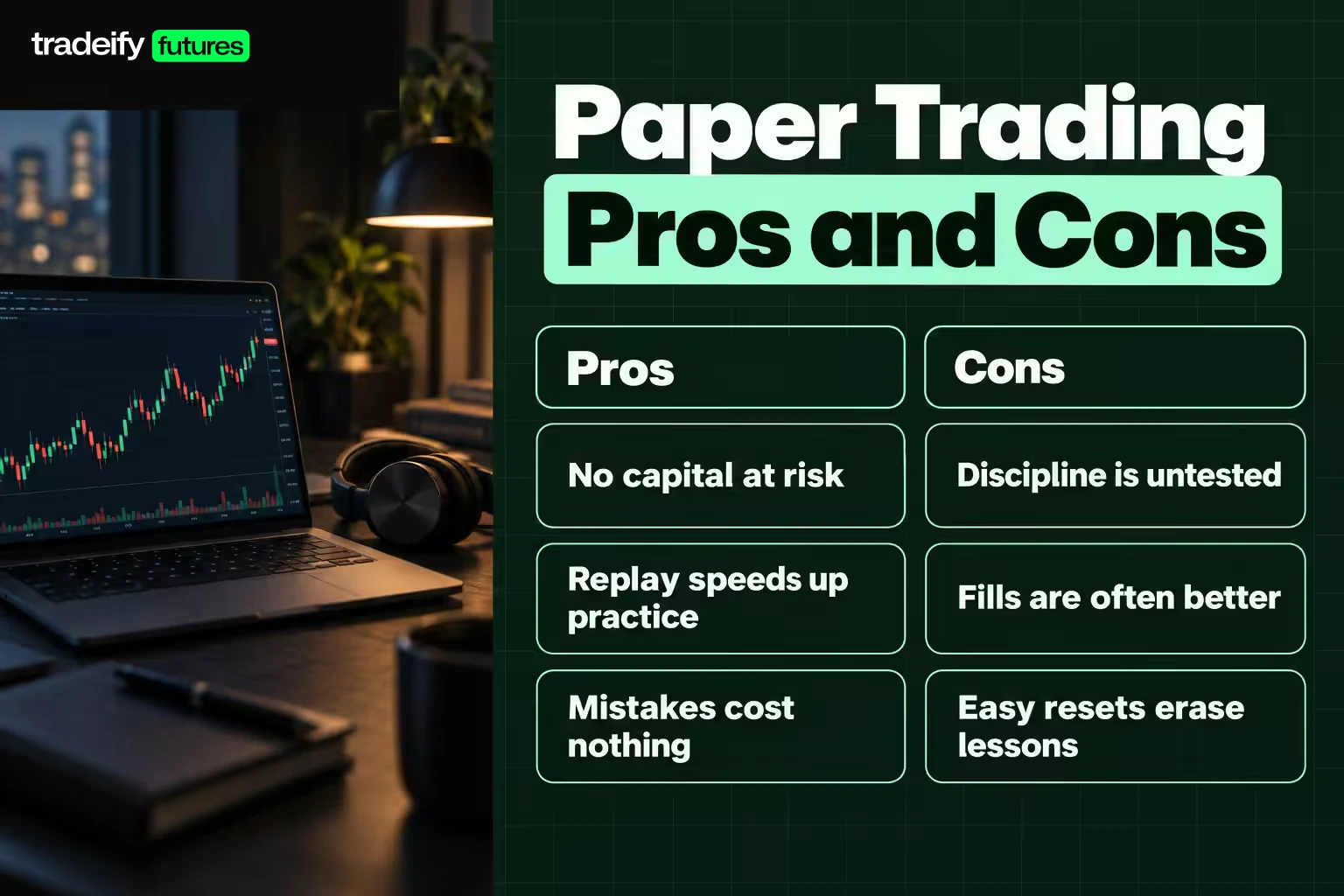
Paper trading is a strong tool for some jobs and a misleading one for others. Knowing which is which keeps you from drawing the wrong conclusion from a good sim week.
| Paper trading pros | Paper trading cons |
|---|---|
| No capital at risk while you learn order entry and contract mechanics | No emotional cost, so discipline is untested |
| Lets you test a written plan on live or recorded prices | Fills are often better than a real order book would give you |
| Replay compresses weeks of practice into a few evenings | Delayed data on free tiers hides how fast markets really move |
| Commission and balance can be set to match real conditions | Default balances and margins are usually far larger than real accounts |
| Mistakes like a wrong contract month cost nothing | Easy resets erase the lesson of a blown account |
The pros are real. A trader who has placed a few hundred sim brackets is far less likely to fumble a stop in a fast market. The cons are also real, and they are the reason a profitable paper account is evidence, not proof. Schwab's own paperMoney disclaimer makes the point: market activity, executions and transaction costs in a simulator are simulations, and simulated performance does not ensure success live.
The useful rule: trust paper trading for mechanics and process, and be skeptical of it for P&L until you have adjusted for slippage and traded at real size.
What a Futures Paper Trading Platform Really Costs
A futures paper trading platform is often free to download, but futures data often is not. Exchanges charge for real-time feeds, so most platforms give you a short live-data trial, a delay, or a monthly data fee. A fair way to budget, as of November 2026:
| Cost item | Typical situation as of November 2026 |
|---|---|
| Platform software | Free on TradingView, NinjaTrader, the Tradovate trial, thinkorswim for Schwab clients and the Quantower limited version; paid on Sierra Chart from $26 per month |
| Real-time CME data | $7.00 per month on TradingView for non-professionals; included only during the trials on NinjaTrader and Tradovate; bought separately for Quantower |
| Brokerage account | Required for thinkorswim paperMoney; required to keep trading on Tradovate after the trial |
| Replay | Included on some platforms, tied to paid plans or funded accounts on others |
| Platform plans | NinjaTrader lists a Free plan, a $99 per month plan and a $1,499 lifetime plan, which change commissions on live trading, not sim access |
The cost that actually hurts is not money. It is time spent practicing on delayed data or unrealistic fills and learning the wrong lessons. Paying a few dollars a month for real-time CME data is usually cheaper than a month of habits built on stale prices.
How to Choose a Paper Trading Platform for Futures
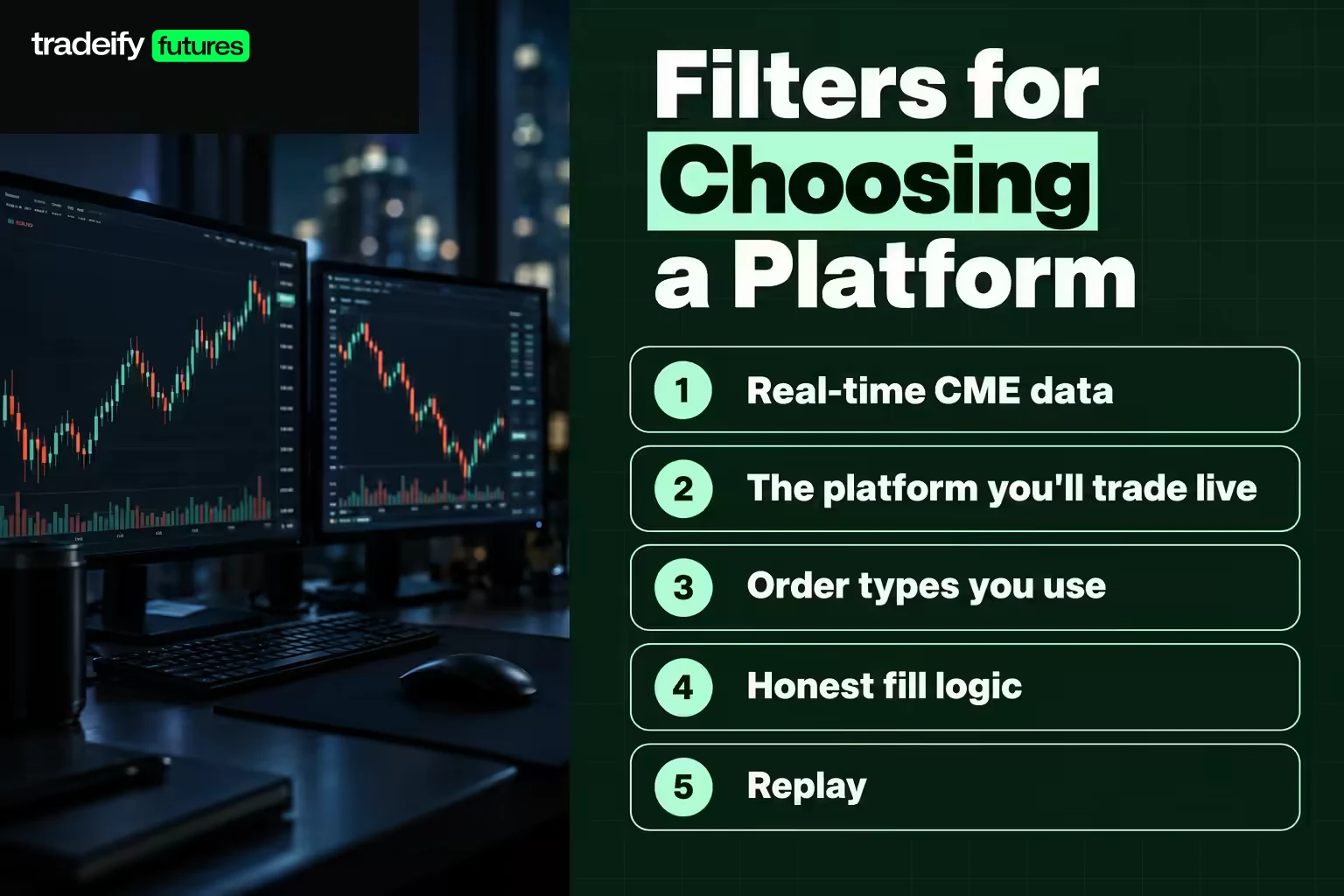
Choosing a paper trading platform for futures gets easier if you apply filters in order. The first one that rules a platform out ends the conversation.
- Real-time CME data during the hours you trade. If you scalp the New York open on MNQ, a 10-minute delay makes practice meaningless.
- The platform you plan to use with real risk. Muscle memory on order entry is half the value of paper trading. Practicing on one screen and trading live on another throws that away.
- Order types you actually use: brackets, OCO stops and targets, and a one-click flatten.
- Honest fill logic, including commissions you can set and limit orders that do not fill the instant price touches them.
- Replay, so you can practice the same session type repeatedly outside market hours.
- Account settings you control: balance, margin and commission.
If you expect to trade a prop firm evaluation later, add one more filter: practice on a platform that connects to that firm. On our accounts, Tradovate credentials work with Tradovate, NinjaTrader and TradingView (TradingView through the Tradovate connection only), while Rithmic credentials work with Tradesea, Quantower, Sierra Chart (with your own paid Sierra Chart subscription) and R Trader Pro.
Paper Trading Platform Fit by Trader Situation
Here is how the paper trading platform filters play out for common trader situations:
| Your situation | Strongest platform fit | Why |
|---|---|---|
| Brand new, wants to learn charts and order types for free | TradingView Paper Trading | Zero setup, but add real-time CME data before judging any strategy |
| Day trading index futures, wants live data and replay | NinjaTrader simulator | Free platform, live data trial, tick-level Market Replay |
| Wants a browser platform and has a plan ready to test | Tradovate demo | Two weeks of live data on a futures-only platform |
| Already a Schwab client | thinkorswim paperMoney | Real-time data and futures in the same login |
| Order flow trader who cares about queue position | Sierra Chart | Documented fill rules and queue tracking |
| Already pays for a separate data feed | Quantower | Simulator works on any connection |
| Already trades stocks at Interactive Brokers | IBKR paper account | Same login, same data permissions |
How to Get Started on a Futures Paper Trading Platform
Getting started on a futures paper trading platform takes less than an hour. The setup steps that matter come after the download.
- Pick one platform using the filters for data, screen and fills. One, not three.
- Register. On Tradovate, you enter an email, verify it, create a username and password, then click "Not ready for live trading? Try risk-free simulated trading" to open a demo with live data for 14 days. On TradingView, open the trading panel, choose Paper Trading and connect. NinjaTrader is a free download with Sim101 ready on first launch. thinkorswim paperMoney needs a Schwab login; without one you only get Guest Pass.
- Sort out data before your first trade. Turn on real-time CME data, or plan your practice around the live-data trial window.
- Set the account to your real risk: balance, commission per contract, maximum size and a daily loss limit.
- Pick one or two contracts. MES or MNQ for most new futures traders, because the point values are small.
- Write a one-page plan: setup, entry, stop, target, maximum trades per day and when you stop.
- Start a journal on day one, not after the first good week.
The Tradovate timing detail is worth repeating. Its trial clock starts at registration, so register when you are ready to trade, not a week before.
Paper Trading Account Settings That Keep Practice Honest
Paper trading platform defaults are built to feel good: $50,000 on Tradovate, $100,000 on thinkorswim, $1 million on Interactive Brokers, and 20x leverage on TradingView's E-mini S&P 500 default. None of them match what most new futures traders will actually fund or the drawdown limit they will trade under.
Set the paper account to the risk you will really have. Here is the math with CME point values (illustrative stops):
| Contract | Dollar value per point | 10-point stop | 20-point stop |
|---|---|---|---|
| MES (Micro E-mini S&P 500) | $5 | $50 | $100 |
| ES (E-mini S&P 500) | $50 | $500 | $1,000 |
| MNQ (Micro E-mini Nasdaq-100) | $2 | $20 | $40 |
| NQ (E-mini Nasdaq-100) | $20 | $200 | $400 |
Say a trader plans to risk $50 per trade. A 10-point MES stop fits exactly. The same 10-point stop on one ES contract risks $500, ten times the plan. On a $1 million paper balance, that mistake barely registers. On a real small account, it is the trade that ends the week.
Settings to lock in before your first sim trade:
- Starting balance equal to what you would fund, or to the drawdown you would trade under in an evaluation.
- Margin and leverage set to realistic values, not the platform default.
- Commission per contract entered so P&L is net, not gross.
- A maximum position size, written down, in contracts.
- A daily loss limit. When you hit it, you stop for the day, exactly as you would with real money.
Paper Trading Limitations With Data, Fills and Costs
Paper trading results break down in three predictable places: the data you see, the fills you get and the costs the simulator leaves out. Each one makes a sim account look better than real trading would.
Delayed Data on a Paper Trading Platform
Imagine a trader practicing the open on MNQ with a 10-minute delayed feed. At 9:30 ET the chart shows 9:20 ET prices. Every entry is a decision about a market that has already moved on.
Stale prices are only half the damage. The other half is what the trader learns. On a delayed feed, the move at 9:30 ET or after an 8:30 ET data release looks calm and orderly when you watch it later. The real tape at those moments is thin, jumpy and full of slippage. A trader who learns the open on delayed data is learning a market that does not exist.
The rule: use delayed data for learning buttons and layout. Use real-time data or tick replay for anything that involves judging a setup.
Paper Trading Fills Versus a Real Order Book
Fills are where paper trading flatters you most. It is also where traders get caught the first week on real risk.
Most simulators fill a market order instantly at the current bid or ask. In a fast market, a real market order can fill a tick or several ticks worse. Limit orders are the bigger problem. Many simulators fill your limit as soon as price trades at your level. In a real order book, you are in line behind everyone who placed an order at that price before you. Price can tag your level, bounce, and leave you unfilled while the sim account books a perfect entry.
Run the numbers on micros using CME's contract specs (illustrative). One MES tick is 0.25 index points, worth $1.25. If real fills cost you one tick per side compared with the sim, that is $2.50 per contract per round trip. A trader doing 8 round trips a day with 3 MES gives up $60 a day, roughly $1,200 over 20 trading days, before commissions. On ES, where one tick is $12.50, the same one-tick gap costs $25 per contract per round trip.
Three ways to make simulated fills more honest:
- Add a slippage assumption to your journal, for example one tick per side on every market or stop order, and judge results after that deduction.
- Set the commission per contract in the platform so P&L is net.
- If your platform supports queue modeling (Sierra Chart's Estimated Position in Queue Tracking, for example), turn it on. If it does not, count a limit order as filled only when price trades through your level by at least one tick.
If a strategy only works with perfect limit fills at the exact high or low, that is not an edge. It is a fill model.
Costs a Paper Trading Platform Leaves Out
Beyond fills, a simulator usually ignores costs that show up the day real money is involved: exchange and data fees on a live account, commission tiers, and the platform plan you actually pay for. NinjaTrader, for example, notes that exchange, clearing and NFA fees apply on top of its live commissions. A sim P&L with no costs entered is a gross number, and gross numbers make thin strategies look profitable.
Paper Trading Strategy Testing With Backtests, Replay and Forward Sims
Strategy testing on a paper trading platform has three modes, and they answer different questions.
- Backtesting runs rules against historical data automatically. It tells you whether an idea had any edge at all.
- Replay plays a past session tick by tick or bar by bar while you trade it by hand. NinjaTrader's Market Replay, thinkorswim's OnDemand and Quantower's Market Replay all do this. It builds decision speed and lets you practice ten opens in one evening.
- Forward paper trading runs your rules live, in real time, with no hindsight. It is the closest thing to real trading without risking money.
Use them in that order. If an idea fails a backtest, do not spend weeks forward trading it. If it passes a backtest but you cannot execute it in replay, the problem is execution, not the idea.
Replay Discipline on a Paper Trading Platform
Replay has its own failure mode: peeking. It is easy to fast-forward through the boring parts, skip losing setups, or pick sessions you already remember. Set a rule before each replay session, such as a random date and normal speed through the first hour, and journal replay trades the same way you would live ones.
Practicing a Scheduled Release in Paper Trading
Scheduled data releases are a good forward-test target because you know the time in advance. The next CPI report (October 2026 data) is due Tuesday, November 10, 2026 at 8:30 AM ET, and the next FOMC decision follows on December 9 at the end of the December 8-9 meeting. Decide before the release whether you trade it, sit out the first minutes, or stay flat, and then follow that plan in the sim. With real-time data, the sim shows you how fast the spread and price move around a release. It cannot show you how your real fills would differ, so apply your slippage assumption to every release trade.
Tracking Paper Trading Performance Like Real Money
Tracking paper trading performance is what turns a sim account into evidence. A paper account nobody reviews is a video game with better charts.
Log every trade with at least: date and time, contract, direction, size, entry, stop, target, exit, net P&L after commission and your slippage assumption, the setup name, and whether you followed your rules.
Then track these numbers weekly:
| Paper trading metric | What it tells you |
|---|---|
| Win rate | How often you are right, which means little on its own |
| Average win and average loss | Whether your winners pay for your losers |
| Expectancy per trade | The average you make or lose per trade after costs |
| Maximum drawdown | The worst peak-to-trough drop, which tells you what account size and loss limit you need |
| Worst day | Whether a single session could break a daily loss limit |
| Rule breaks | How many trades ignored your plan, the number that predicts trouble with real risk |
A quick expectancy example (illustrative). Suppose your log shows a 45% win rate, an average win of $120 and an average loss of $80. Expectancy is (0.45 x $120) minus (0.55 x $80), which is $54 minus $44, or $10 per trade. Now apply a one-tick-per-side slippage assumption on 2 MES: one MES tick is $1.25, so that is $5 per round trip. Half the edge is gone before a single commission. That is the check most paper traders skip.
Judge a strategy over a meaningful sample, not one great week. A rule of thumb many traders use is at least 50 trades across different market conditions, including trend days, choppy days and news days, before drawing conclusions.
Paper Trading Psychology and the Emotional Gap
Paper trading psychology is the weakest part of any simulator. It teaches mechanics well and emotion badly, because nothing hurts.
On a sim, a stop-out is a number. With real money, the same stop-out lands on your rent or your evaluation fee, and that changes behavior. Traders who were patient on paper start cutting winners early to "lock something in," or freeze on a clean entry because the last real loss still stings. The plan did not change. The stakes did, and the stakes are what the sim never trained.
The fix is to make the sim behave like it costs something:
- Trade the exact size you would trade with real money.
- Treat your daily loss limit as hard. Hitting it ends the session, no exceptions.
- No resets without a written review of what went wrong.
- Score yourself on rule-following, not P&L. A losing trade that followed the plan is a good trade. A winning trade that broke the plan is a problem.
- Note how you felt before and after each trade. Patterns like "rushed after a loss" show up in a journal long before they show up in a P&L.
None of this fully closes the gap. The first live losses will still feel different. What it does is make sure your process is already automatic when the pressure shows up.
Common Paper Trading Mistakes That Carry Into Live Futures
These paper trading mistakes cost nothing in a simulator, which is exactly why they survive until real money is involved.
- Oversizing. Fake money makes 10 contracts feel like 1. A default like TradingView's 20x on E-mini S&P 500 futures, or a $1 million IBKR balance, makes it easy. Then real size feels terrifying and execution falls apart.
- Holding losers. With no real pain, it is easy to let a stop slide "to see what happens." That habit transfers directly to live trading, and it is expensive there.
- Resetting. A blown sim account can be reset in seconds. A real one cannot. Every reset erases the lesson.
- Revenge trading without consequences. Two quick losses, then three impulsive trades to "get it back." On a sim it costs nothing, so the behavior never gets corrected.
- Practicing on delayed data. Setups that look clean 10 minutes late are not the setups you will see live.
- Platform hopping. Switching platforms every week means you never build order-entry muscle memory on any of them.
- Ignoring contract months. Trading an expiring or wrong month in the sim and never noticing until the roll.
The fix for each is the same habit: write the rule down before the session and journal whether you followed it.
When to Move From Paper Trading to Live Futures
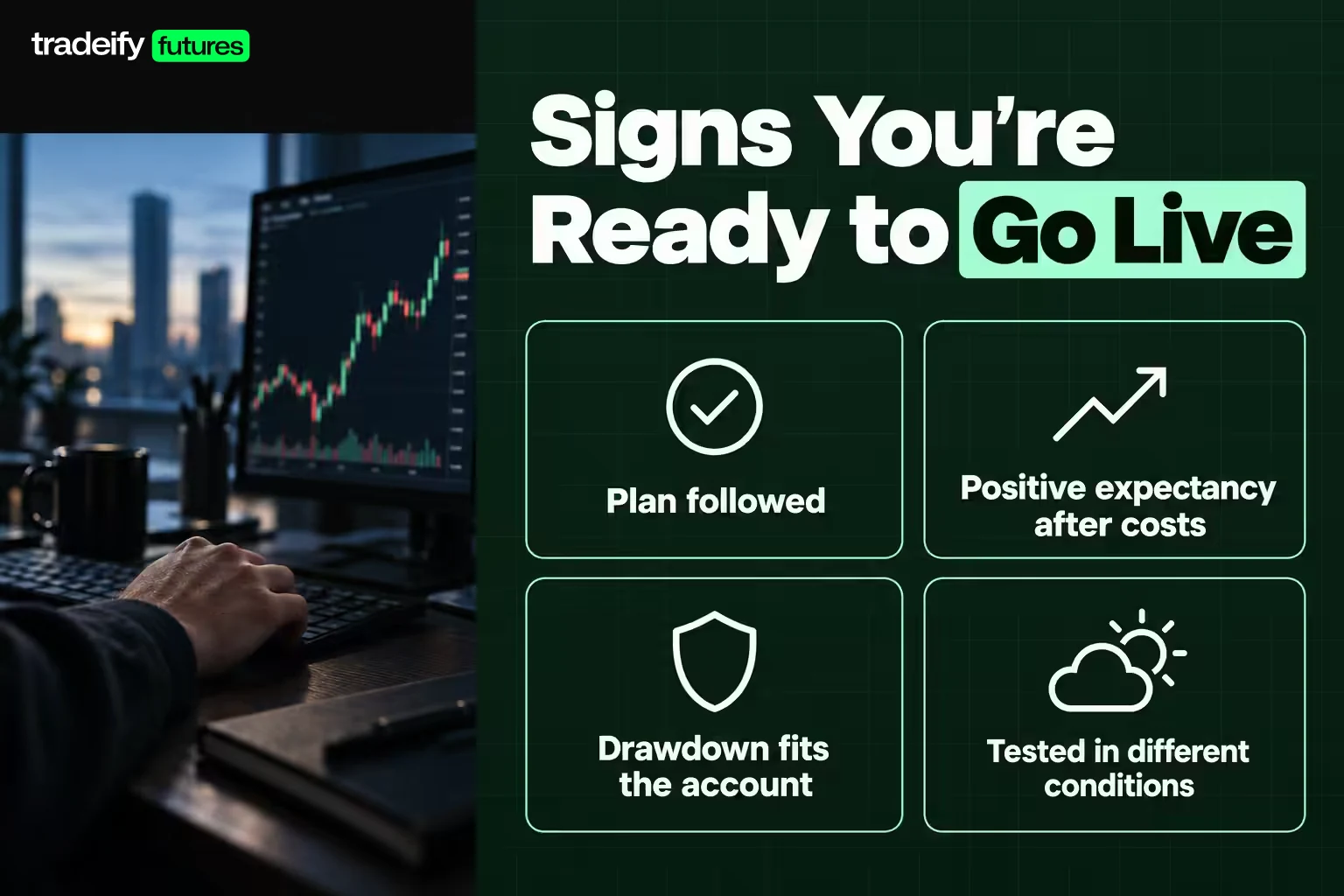
Moving from paper trading to live futures has no magic number of weeks. There are signs.
You are probably ready to take on real risk when:
- You have a written plan and your journal shows you followed it on the large majority of trades.
- Your expectancy is positive after commission and a realistic slippage assumption, over a sample of at least a few dozen trades.
- Your worst day and maximum drawdown fit inside the account size and loss limit you will actually trade with.
- You have traded through different conditions, not just one trending week.
- You can flatten a position, move a stop, and handle a partial fill without thinking.
What should change your mind: if your results depend on a handful of outsized winners, if they disappear once you add slippage, or if your rule-break count is climbing, keep practicing.
How long that takes varies. For some traders it is a few weeks of focused sessions, for others several months. Time matters less than the evidence in the journal.
When you do move on, there are two common paths. One is trading micros in a small funded brokerage account, where your own money is at risk and futures losses can exceed what you deposit. The other is a futures prop firm evaluation, where your cost is the fee you pay for the account and the trading itself happens on a simulated account with fixed rules.
Paper Trading Versus a Futures Prop Firm Evaluation
A paper trading platform lets you set your own rules. An evaluation hands you rules you cannot bend. For many traders, that is the missing piece between practice and real pressure.
To be clear about what we offer at Tradeify: we are a futures prop firm, not a paper trading app and not a broker. Our evaluations and funded accounts run on simulated accounts, but they come with real rules and a real cost. On our 50K accounts, for example, you trade up to 4 minis or 40 micros, an end-of-day trailing drawdown is enforced in real time, and every position must be closed by 4:45 PM ET with no overnight holds. Our Growth evaluation adds a daily loss limit ($1,250 on the 50K) on top of the drawdown. Every account is a one-time purchase, with no monthly subscription.
The platform habits you build while paper trading carry over. Our accounts connect through Tradovate (with NinjaTrader and TradingView through the Tradovate connection), through Rithmic to platforms such as Quantower, Sierra Chart and Tradesea, or through WealthCharts. One practical note for order-flow traders: Level 2 depth is a paid Tradovate add-on and is not available on Rithmic accounts. Nothing about an evaluation guarantees you pass or get paid, and failing one costs you the fee. The point is that the rules feel real, which is exactly what a paper account cannot give you.
Paper Trading Platform FAQ
What is paper trading and what are its benefits?
Paper trading is simulated trading with fake money against live or replayed market prices. Its benefits are learning platform mechanics, testing a strategy without risking capital, and building routines like a daily loss limit and a trade journal. Its main limit is that fills and emotions are less realistic than real trading.
Is paper trading 100% free?
Usually not: the paper account is often free, but real-time futures data usually is not. TradingView's CME data is free only on a 10-minute delay, NinjaTrader and Tradovate include live data only during their trials, and Sierra Chart charges for the software itself. Budget for real-time data once you start judging setups, not just learning buttons.
What is the 90% rule in trading?
The "90% rule" is an informal saying that 90% of new traders lose 90% of their money within 90 days. It is a cautionary rule of thumb, not a measured statistic. The useful takeaway is that most early damage comes from oversizing and poor risk control, which is what disciplined paper trading is meant to fix.
How can you make $500 a day with day trading?
Making $500 a day takes 100 points on one MES contract, 10 points on one ES contract or 25 points on one NQ contract, and the risk per point scales the same way. The math is simple and the execution is not. Paper trading is where you check whether your strategy's average day, after costs and slippage, comes anywhere close to that without taking risk that could end the account. Nothing guarantees a daily income from trading.
What is the best free paper trading platform for futures?
For a completely free start, TradingView Paper Trading is the fastest to set up, though its CME data is 10 minutes delayed without the paid real-time subscription. For free real-time futures practice with replay, the NinjaTrader simulator and the Tradovate demo are strong, but their live data lasts only for the 14-day trial. Pick the one you plan to use with real money.
Can you paper trade futures on TradingView?
Yes. TradingView Paper Trading supports commodity and index futures, closes expired positions automatically, and treats all paper futures as cash-settled. Add real-time CME data if you want prices that match the live market.
How long should you paper trade before trading futures live?
Long enough to build a meaningful sample, usually at least 50 logged trades across trending, choppy and news-driven days, with positive results after costs and consistent rule-following. For some traders that takes weeks, for others months. The evidence in your journal matters more than the calendar.
Is a prop firm evaluation the same as paper trading?
No. Both run on simulated accounts, but a paper account lets you change the balance, ignore your loss limit and reset whenever you want. An evaluation has a fee, a fixed drawdown and position rules, and consequences for breaking them, which makes it a test of discipline rather than just practice.
A 50-Trade Paper Trading Platform Test to Run Next
Pick one paper trading platform from the comparison, the one you would actually trade on. Turn on real-time CME data or tick replay, set the balance and loss limit to what you would really trade, and enter your commission. Then log your next 50 trades with a one-tick slippage deduction on every market and stop order.
If the numbers still hold up after that, you have evidence instead of a feeling. If they do not, you found that out for the price of a data subscription, which is the cheapest lesson futures will ever give you. That is the point where real risk, or a rule-based evaluation, starts to make sense. Futures trading involves substantial risk of loss, and simulated results do not guarantee live results.