.svg)

.svg)
.svg)



TL;DR: NinjaTrader vs Tradovate is mainly a workflow choice for futures prop accounts. NinjaTrader Desktop favors deep customization, SuperDOM execution, ATM order templates, order-flow tools, add-ons, and automated strategy development. Tradovate favors browser-based access, a simpler interface, and easier movement across computers and mobile devices. Both names operate within the NinjaTrader group, and eligible Tradovate users can access NinjaTrader platforms, but prop-firm credentials, features, data, fees, and permitted connections vary. Choose only after confirming the firm's current platform list, account rules, order-routing connection, and whether your exact tools work in simulation.
The wrong platform rarely ruins a sound strategy. The wrong workflow can still cause preventable mistakes.
For one trader, that mistake is entering twice because the order panel was unfamiliar. For another, it is losing a connection while moving between devices. A third spends weeks rebuilding charts instead of proving the setup.
NinjaTrader and Tradovate both serve futures traders, but they approach the job differently. The best choice for a prop account depends on execution style, operating system, automation needs, and the firm's supported connection.
NinjaTrader vs Tradovate at a Glance
The two platforms are related, but the signup path matters. With many prop-firm connections, you receive Tradovate credentials first; if that provider enables NinjaTrader access, the same connection can then be used in NinjaTrader. You do not usually buy a separate “NinjaTrader prop account” from the prop firm. NinjaTrader Group operates affiliated software and brokerage businesses, and official support documents NinjaTrader platform access for eligible live and demo Tradovate users.
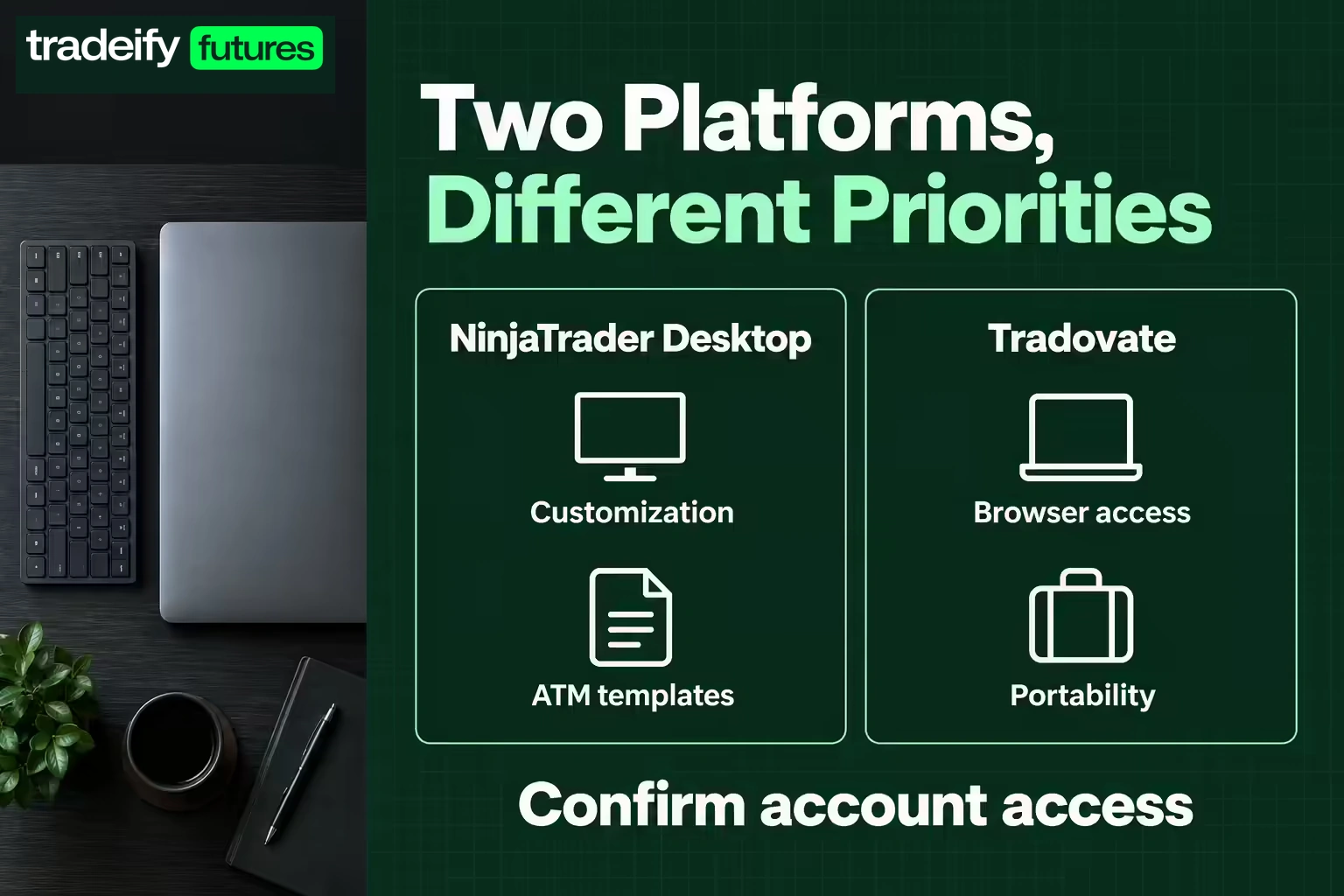
That does not mean every prop-firm account can use both interchangeably. Confirm the signup product and connection first, then check whether NinjaTrader access is enabled. A firm's license, data entitlement, and account configuration determine what actually appears after login.
| Decision | NinjaTrader Desktop | Tradovate |
| --- | --- | --- |
| Main strength | Detailed desktop tools and customization | Cloud-first access and simpler setup |
| Access style | Windows desktop plus NinjaTrader web and mobile ecosystem | Browser, desktop, and mobile access |
| Order workflow | SuperDOM, Chart Trader, ATM templates | Streamlined DOM and chart order entry |
| Custom development | NinjaScript indicators and strategies | Add-ons, APIs, and supported integrations |
| Order flow | Strong desktop toolset, with some premium features | Core charting and DOM tools, depending on plan or connection |
| Best fit | Power users, systematic traders, detailed execution | Traders who value portability and a shorter setup process |
Treat the table as a starting point. Features can differ by account provider and change over time.
NinjaTrader Prop Account Strengths
NinjaTrader Desktop is built for traders who want control over layouts, order entry, analysis, and automation. Its strongest case is not that it has more buttons. It is that those tools can support a precise, repeated workflow.
NinjaTrader ATM strategies
Advanced Trade Management templates can submit linked stop-loss and profit-target orders after an entry fills. Traders can predefine bracket behavior instead of building it under pressure.
That can reduce manual errors, but the template must match the prop firm's rules and the strategy's tested risk. An ATM template does not know whether the account is near a trailing threshold unless the trader accounts for it.
NinjaTrader SuperDOM and order flow
The desktop platform supports depth-of-market execution and detailed order-flow analysis. This can suit scalpers who make decisions from bid, ask, volume, and queue behavior.
More detail can also create more noise. If the strategy does not use order-flow information, paying for or displaying it will not improve the plan.
NinjaTrader customization
NinjaScript and a large add-on ecosystem support custom indicators, strategies, and utilities. That is useful for traders who need specialized rules or want to test systematic ideas.
The cost is maintenance. Third-party tools can conflict after updates, consume computer resources, or behave differently from their descriptions. Test updates before an important session and keep a clean backup workspace.
Tradovate Prop Account Strengths
Tradovate's strongest case is access. A cloud-centered workflow lets traders use a browser and supported mobile or desktop applications without depending on one Windows installation.
Tradovate browser access
Browser access can help traders who use macOS, move between approved devices, or prefer not to maintain a dedicated Windows setup. Workspaces and account access are easier to reach from different locations.
Portability does not remove connection risk. Wi-Fi changes, browser extensions, sleeping laptops, and mobile handoffs can interrupt attention or order management. A trader still needs a tested emergency flatten process.
Tradovate learning curve
The interface is often easier for traders who need charts, a DOM, brackets, and basic account monitoring without deep customization. A shorter setup process can be valuable when the alternative is weeks of platform tinkering.
Simple does not mean automatic. Confirm quantity, account selection, bracket offsets, and whether orders are server-side or dependent on the local session.
Tradovate integrations
Tradovate supports connections and integrations used by many futures traders. Availability depends on the account provider. A prop firm may disable an integration that a personal brokerage account supports.
Never buy an add-on or build a workflow based on a generic compatibility page. Confirm the exact prop account and connection first.
NinjaTrader vs Tradovate Execution
Execution quality starts with the route supplied by the account provider, then includes the platform, data connection, computer, network, and trader behavior. A visual preference does not prove faster fills.
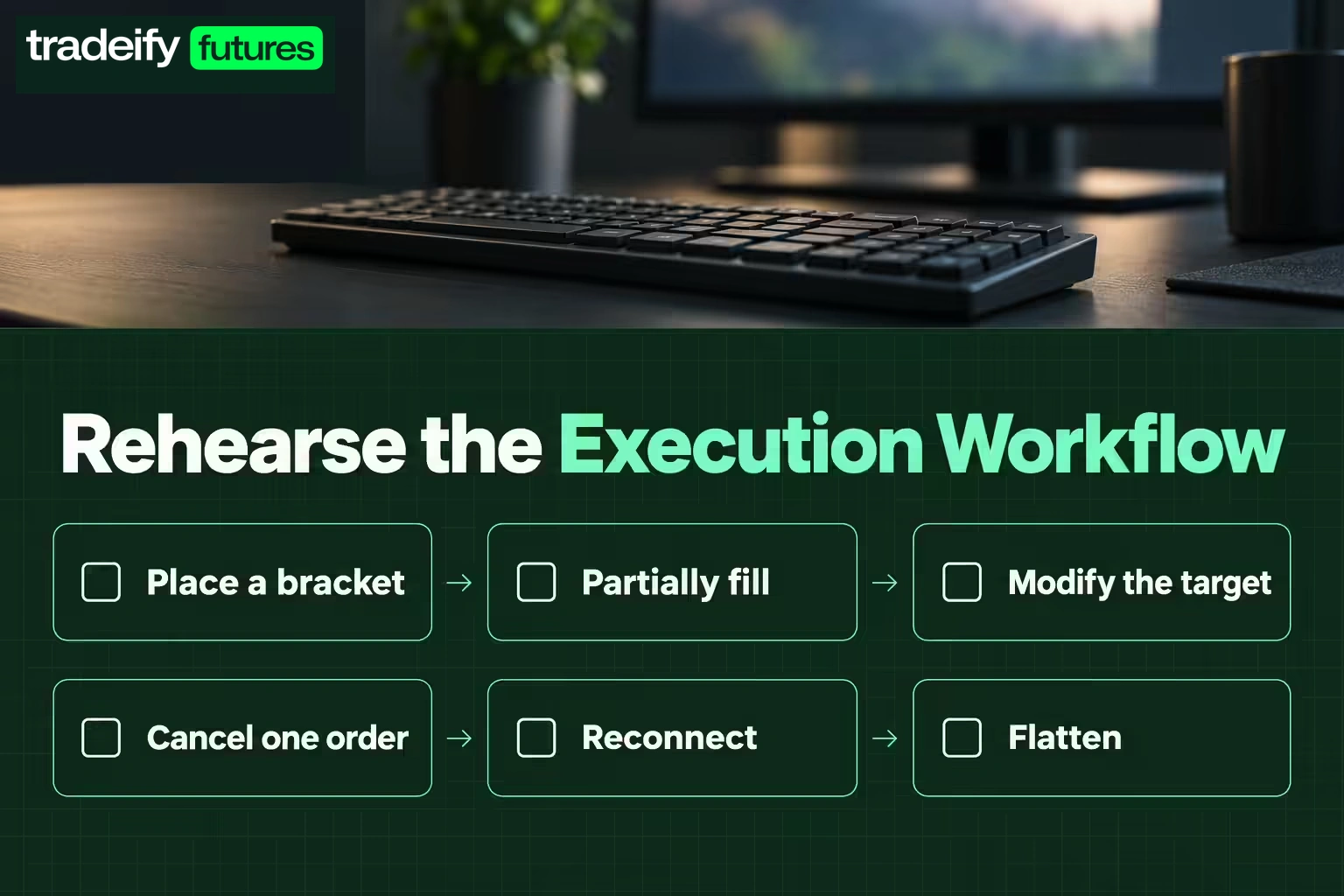
Compare the actions your strategy actually requires:
- Can you enter with the correct size in one deliberate action?
- Can you attach the intended stop and target automatically?
- Can you modify or flatten the bracket without confusion?
- Can you see working orders and positions clearly?
- Can you recover after a disconnect?
- Can you prevent orders in the wrong account?
Run a simulation drill. Place a bracket, partially fill, modify the target, cancel one order, reconnect, and flatten. If any step is unclear, the platform is not ready for a rule-constrained account.
NinjaTrader vs Tradovate for Automation
NinjaTrader Desktop is the more natural choice for traders building advanced local strategies with NinjaScript. It supports strategy development, backtesting, and automated execution workflows.
Tradovate can work with APIs and third-party services, while browser-based charting may suit alert-driven workflows. Yet a connection that is technically possible may still be prohibited by a prop firm.
Ask the provider these questions in writing:
- Are automated strategies allowed on this account type?
- Are third-party bridges or webhooks permitted?
- Can one strategy place orders across multiple accounts?
- Does copy trading violate account-sharing or coordination rules?
- What happens to working orders if the platform disconnects?
Failure mode: a trader tests signal logic but not the complete execution chain. The backtest assumes an order at the bar close, while the live alert passes through several services and arrives seconds later.
NinjaTrader vs Tradovate Costs
Separate personal brokerage pricing from prop-account costs. NinjaTrader's public brokerage plans and commissions apply to eligible brokerage accounts cleared through its own futures commission merchant. A prop firm can supply different platform access, data fees, commissions, and licenses.
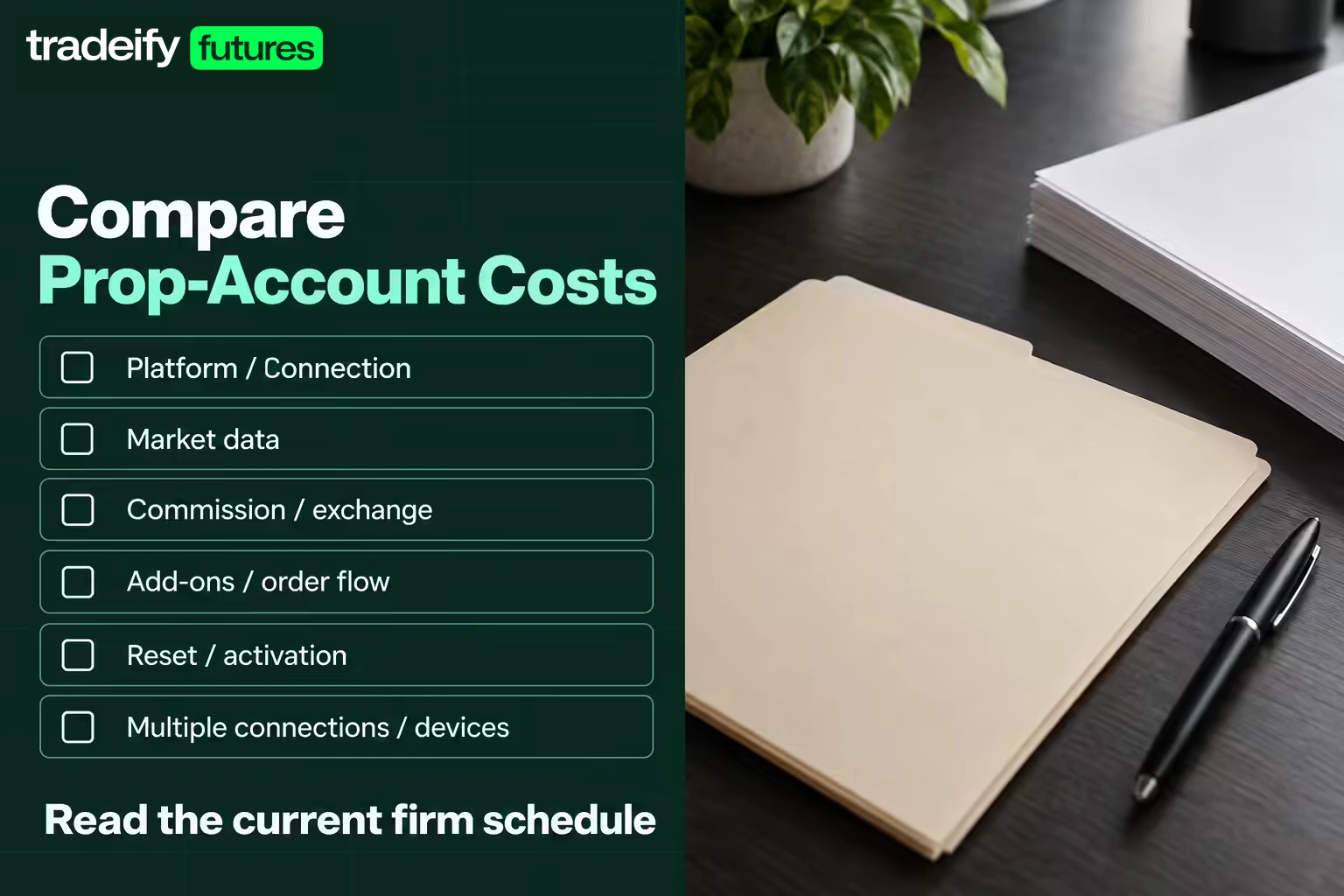
For a prop account, compare:
- Platform or connection fee
- Required market data
- Commission and exchange charges per side
- Add-on or order-flow cost
- Reset or activation charges tied to the account
- Any fee for multiple connections or devices
Do not assume two related platforms have identical all-in costs in a third-party program. Read the current firm schedule.
NinjaTrader vs Tradovate Failure Modes
Choose based on repeated behavior, not feature count.
NinjaTrader Desktop may be a poor fit if you constantly change layouts, install untested add-ons, or need reliable access away from one Windows computer. Tradovate may be a poor fit if your edge depends on a specialized desktop indicator, local automated strategy, or a particular order-flow tool.
Both can fail the trader when:
- The wrong account is selected
- Default quantity is larger than planned
- Stops are entered manually after the fill
- Hotkeys are not tested
- Mobile access encourages impulse trades
- Platform updates occur before a session
- The account's official drawdown is not visible in the trading screen
The last point matters. Platform profit and loss may not match the firm's threshold calculation at every moment. Use the firm's dashboard as the authority for rule status.
Choose NinjaTrader or Tradovate
Choose NinjaTrader Desktop when your tested process requires detailed DOM execution, ATM templates, custom indicators, order-flow analysis, or local strategy development, and you can maintain the Windows setup.
Choose Tradovate when browser access, portability, a simpler interface, and quick workspace access matter more than deep desktop customization.
Consider testing both if the account credentials permit it, but keep one primary execution process. Switching platforms during a difficult session is usually a new source of error, not a fix.
Before purchasing an evaluation, get written confirmation that the exact account supports your chosen platform and tools. Then complete at least five simulation sessions using the same brackets, size, session, and emergency procedures you plan to use. Futures trading involves substantial risk, and simulated performance does not guarantee live results. The better platform is the one that lets you follow the same risk plan without hesitation or improvisation.
.svg)
.svg)
.svg)
.svg)








.webp)